
01
Neon Node
Scan in the demo app as a sample checkpoint.
demo app access
The demo shows the full app mechanic: participants see the client-supplied goal, scan test QR/NFC markers, track progress, and reach the reward screen. Markerra produces the app, backend, and markers; the client supplies the concept, rules, content, reward, and branding.
The demo is available on the App Store and Google Play. Download the app to scan the test QR/NFC markers.
Want this app for your organisation? Describe your project and we will reply with scope, timeline and pricing. You can also start with a small pilot deployment.
demo QR markers
Open this page on a computer or a second phone and treat the codes below as test markers. In a client deployment, the same points can live at a booth, in a store, on packaging, next to an outdoor placement, or as NFC tags.
The codes are covered by default. Tap “Show code” to reveal a single marker. The rest stay covered, so the camera cannot pick up the code next to it and it stays clear which marker was scanned.
Scan in the demo app as a sample checkpoint.
Scan in the demo app as a sample checkpoint.
Scan in the demo app as a sample checkpoint.
Scan in the demo app as a sample checkpoint.
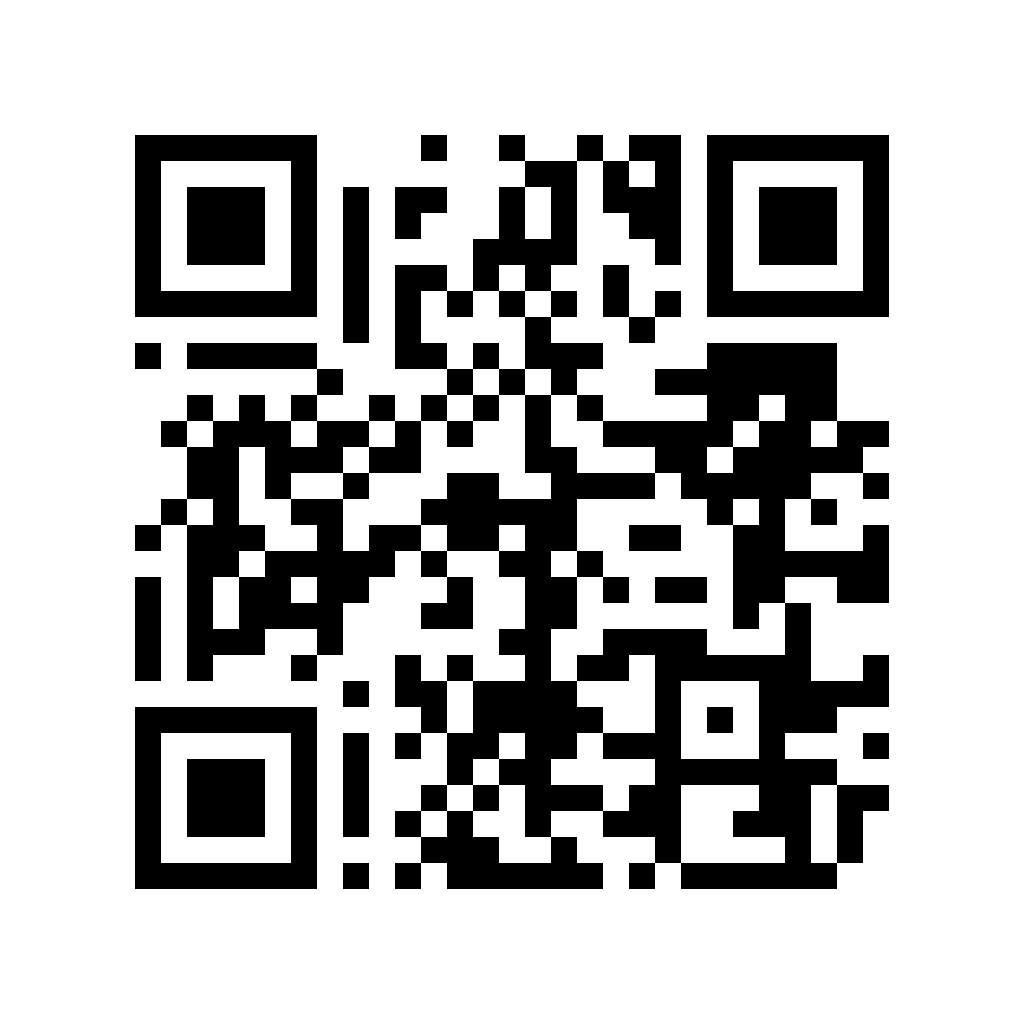
Scan in the demo app as a sample checkpoint.
The public demo accepts test scans regardless of city so the complete experience can be checked. In a client deployment, the mechanic can be restricted to an agreed area.
The QR codes are for demo testing only. The app may request location on the map or at scan time, but does not track it in the background. The demo code and reward are samples with no commercial value.
feature demo
The demo covers entry, scan, validation, progress, and the reward-and-code finale. Markerra produces the app, backend, and encoded QR/NFC points and implements the client’s rules. We do not offer strategy, creative, media, targeting, retargeting, campaign management or optimization, or advertising attribution.
A few sample points let you test the complete flow before production of a dedicated app. The client owns the brief, content, reward, distribution, and deployment logistics.
The same point can be confirmed through QR or NFC, so users choose the method appropriate for the phone and situation.
The demo also shows safeguards: duplicates, unknown tags, and optional location checks with real-world GPS tolerance.
After collecting the full set, the app shows the reward screen plus a claim code or redemption instruction.