
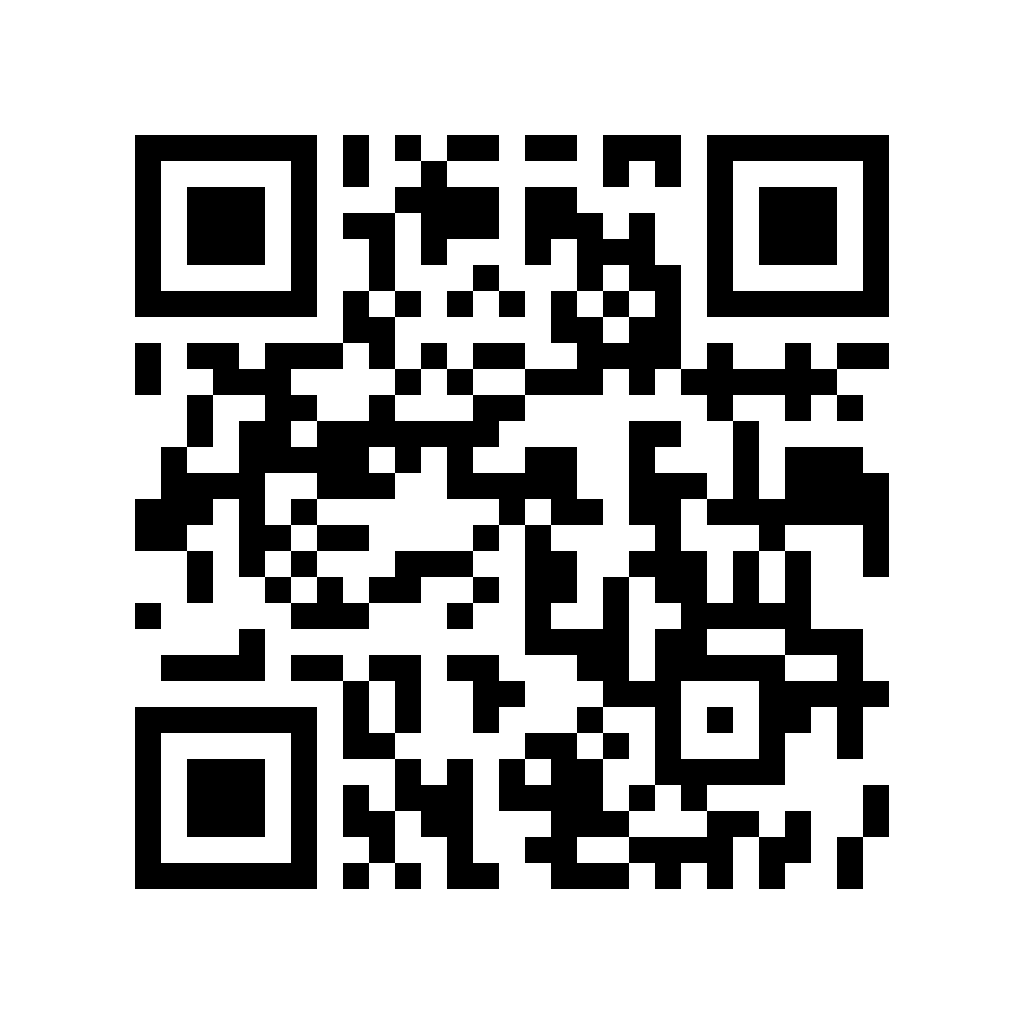
01
Neon Node
Scan it in the app as a demo-game point.
Demo game
In the Markerra app, on the “My games” screen, tap “See the technical demo for business deployments”. Open this page on a second screen or print the codes. Reveal them one at a time and scan with your phone. You do not need to travel anywhere.
Scanning with this phone? Open this page on a computer or tablet: markerra.app/kody-demo-en
In the Markerra app, on the “My games” screen, tap “See the technical demo for business deployments”. Scan one code at a time — cover the others with your hand or cut the tiles apart. You do not need to travel anywhere.
Need the app? Check availability and installation.
The codes are covered by default. Tap “Show code” to reveal a single code. The rest stay covered, so the camera cannot pick up the code next to it and it stays clear which point was scanned.
Scan it in the app as a demo-game point.
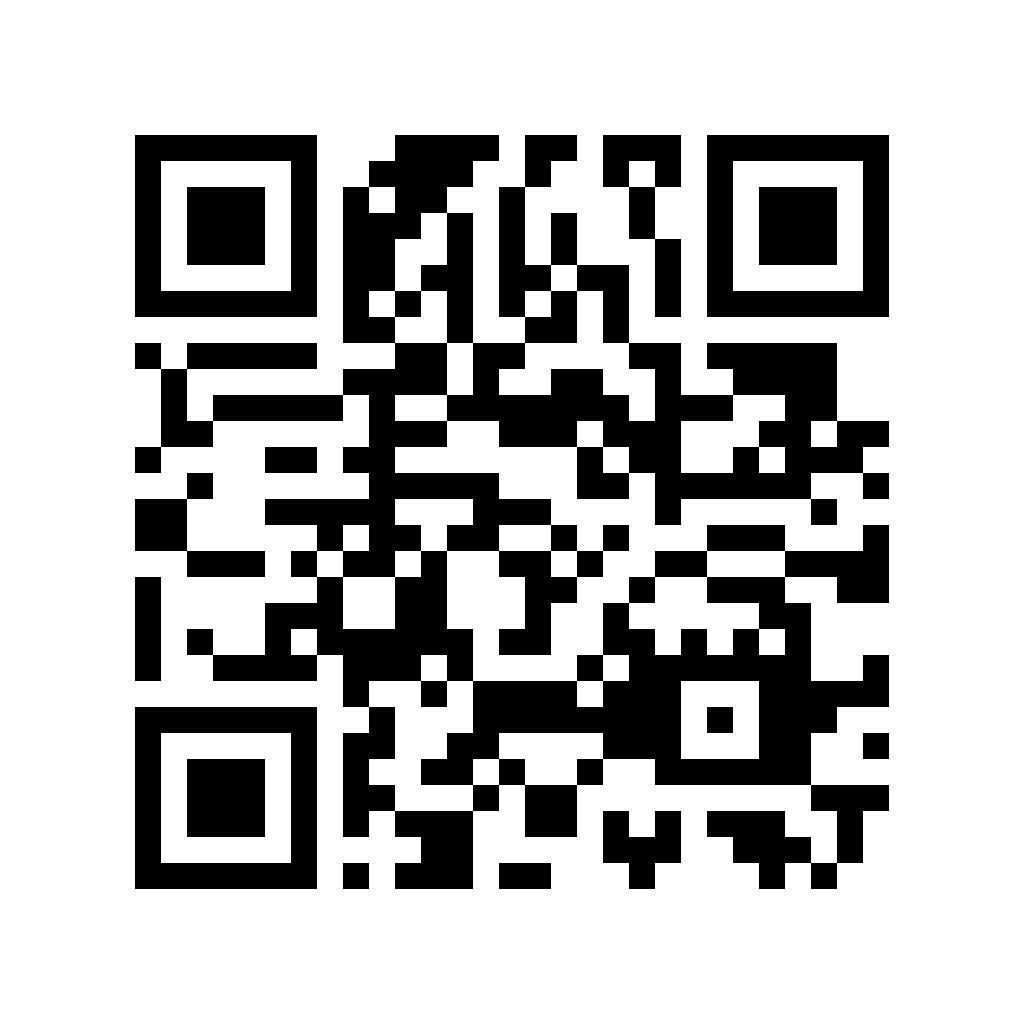
Scan it in the app as a demo-game point.
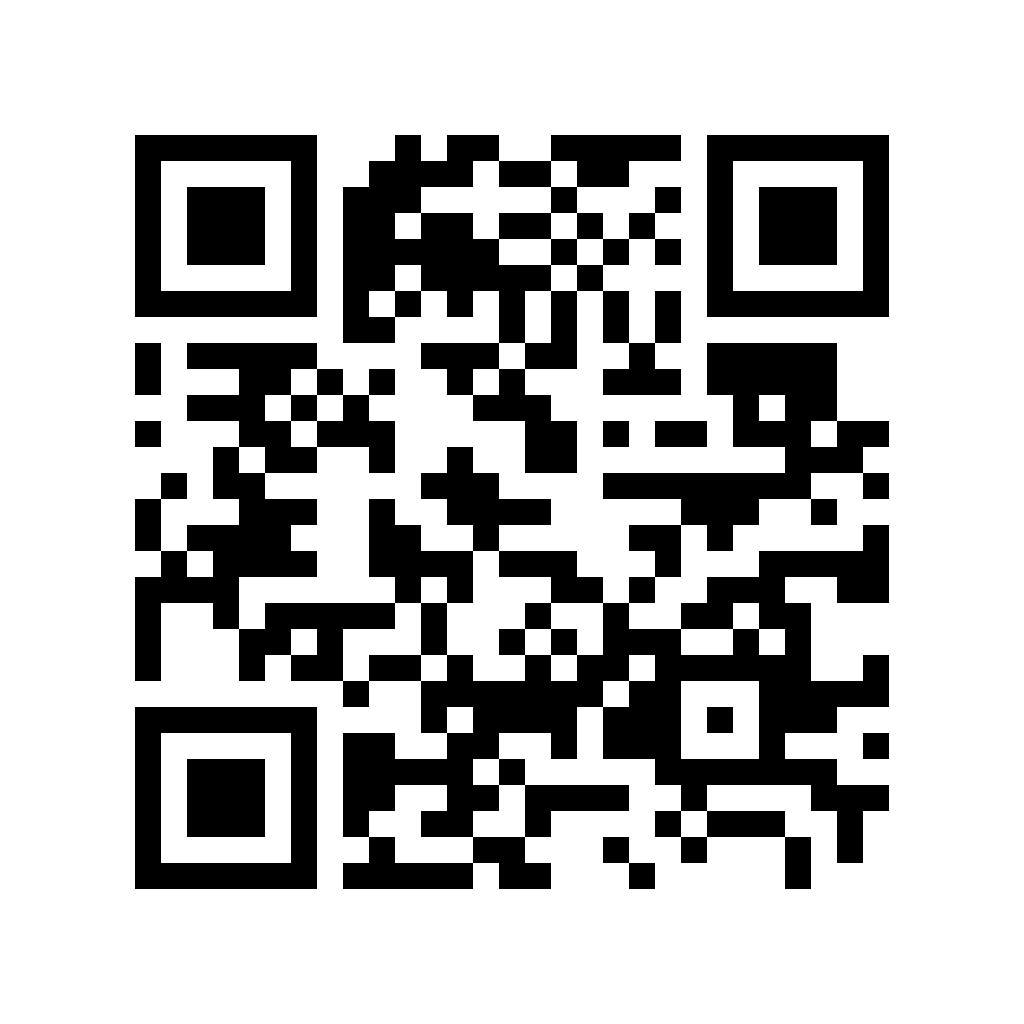
Scan it in the app as a demo-game point.
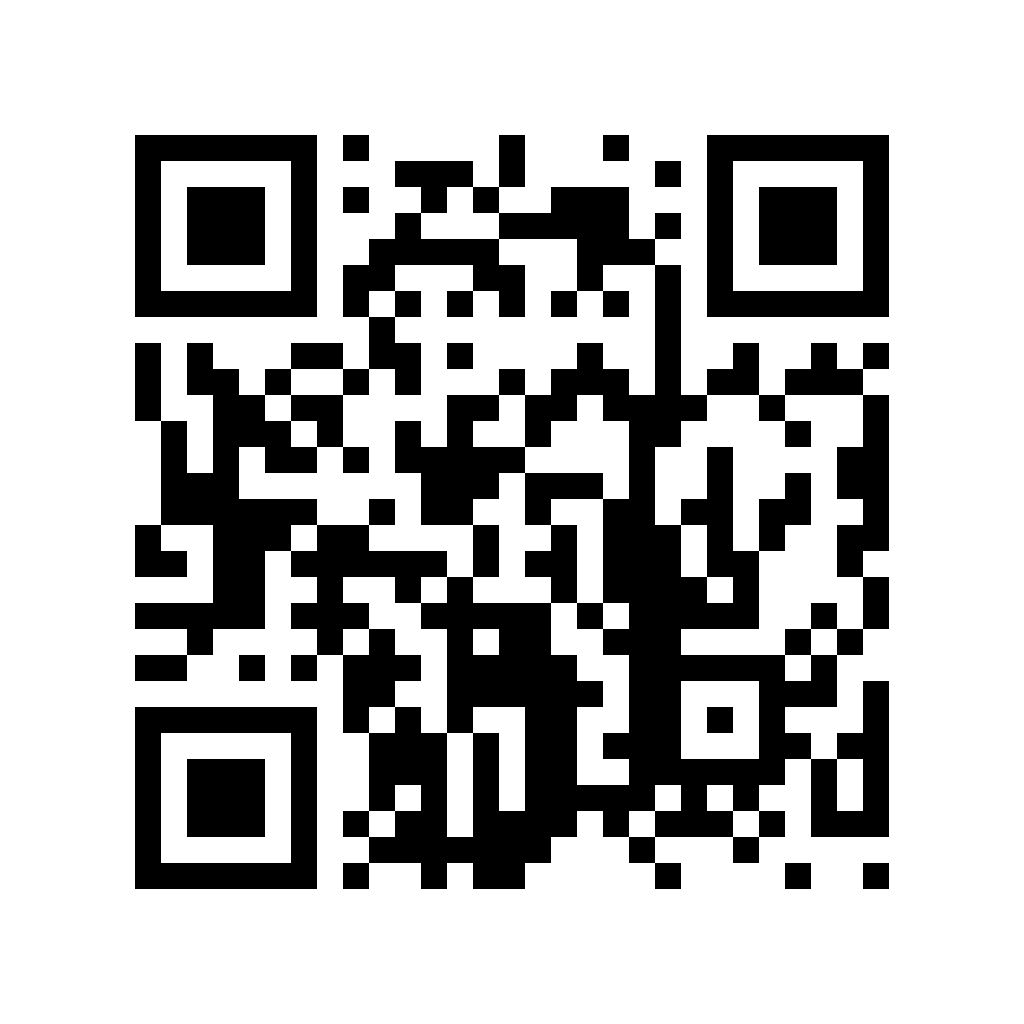
Scan it in the app as a demo-game point.
Scan it in the app as a demo-game point.
The demo game accepts test scans regardless of city so the whole flow can be checked. In a real game, points only work at the locations set by the organizer.
The QR codes are for demo testing only. The app may request location on the map or at scan time, but does not track it in the background. The demo code and reward are samples with no commercial value.